
What Is Technical SEO?
Technical SEO is the process of improving the technical setup of a website so search engines can crawl, understand, and index important pages more effectively.
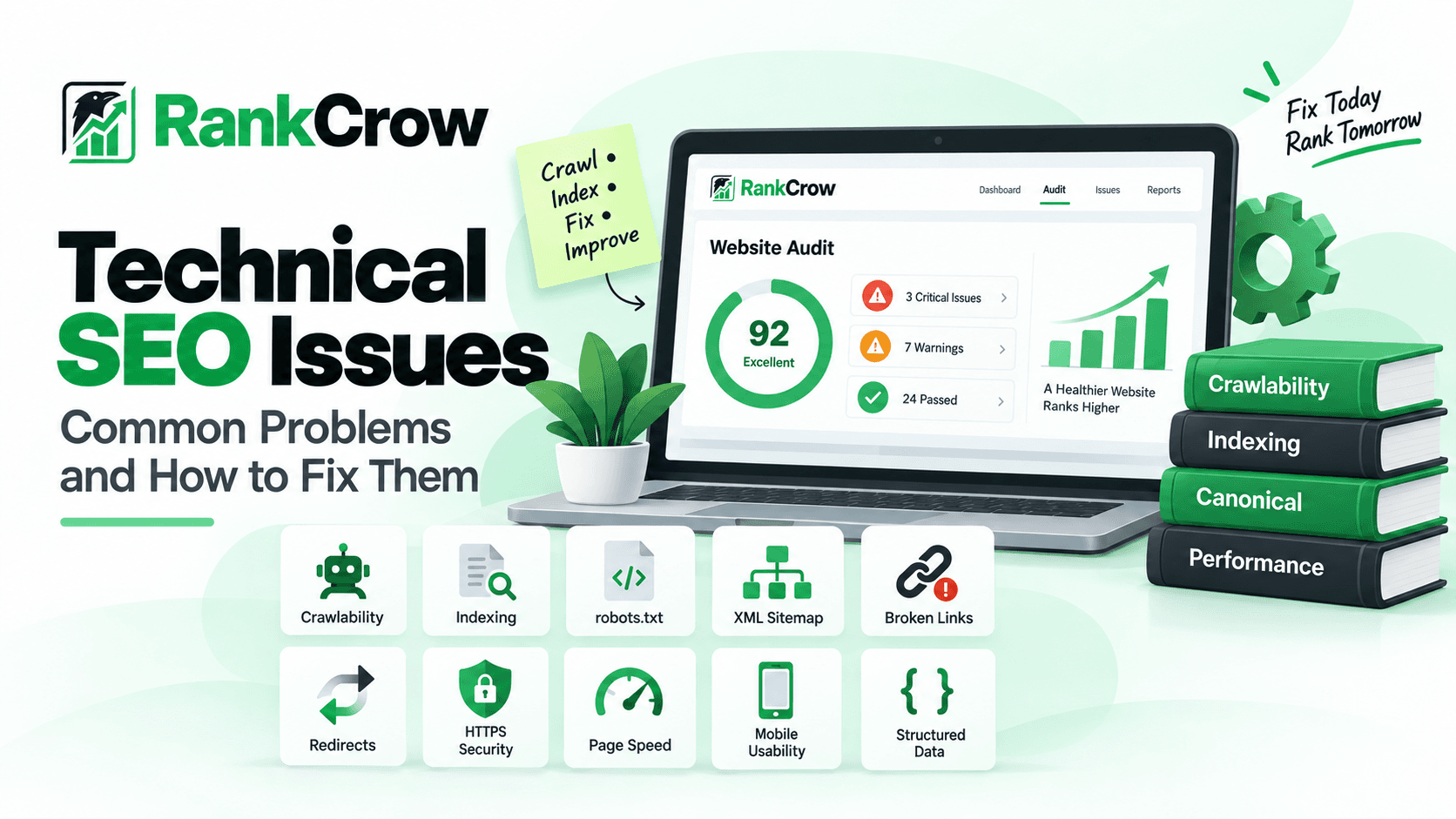
It includes areas such as crawlability, indexability, robots directives, XML sitemaps, canonical tags, redirects, HTTP status codes, HTTPS, mobile usability, page performance, structured data, and internal site architecture.
This guide explains the most common technical SEO errors and issues, why they matter, how to identify them, and practical ways to fix them.
Technical SEO is not only about fixing errors. It is also about creating a website structure that makes important pages easy to reach, clear to understand, and technically accessible.
Technical SEO vs On-Page SEO
Technical SEO and on-page SEO are closely related, but they focus on different parts of optimization.
Technical SEO
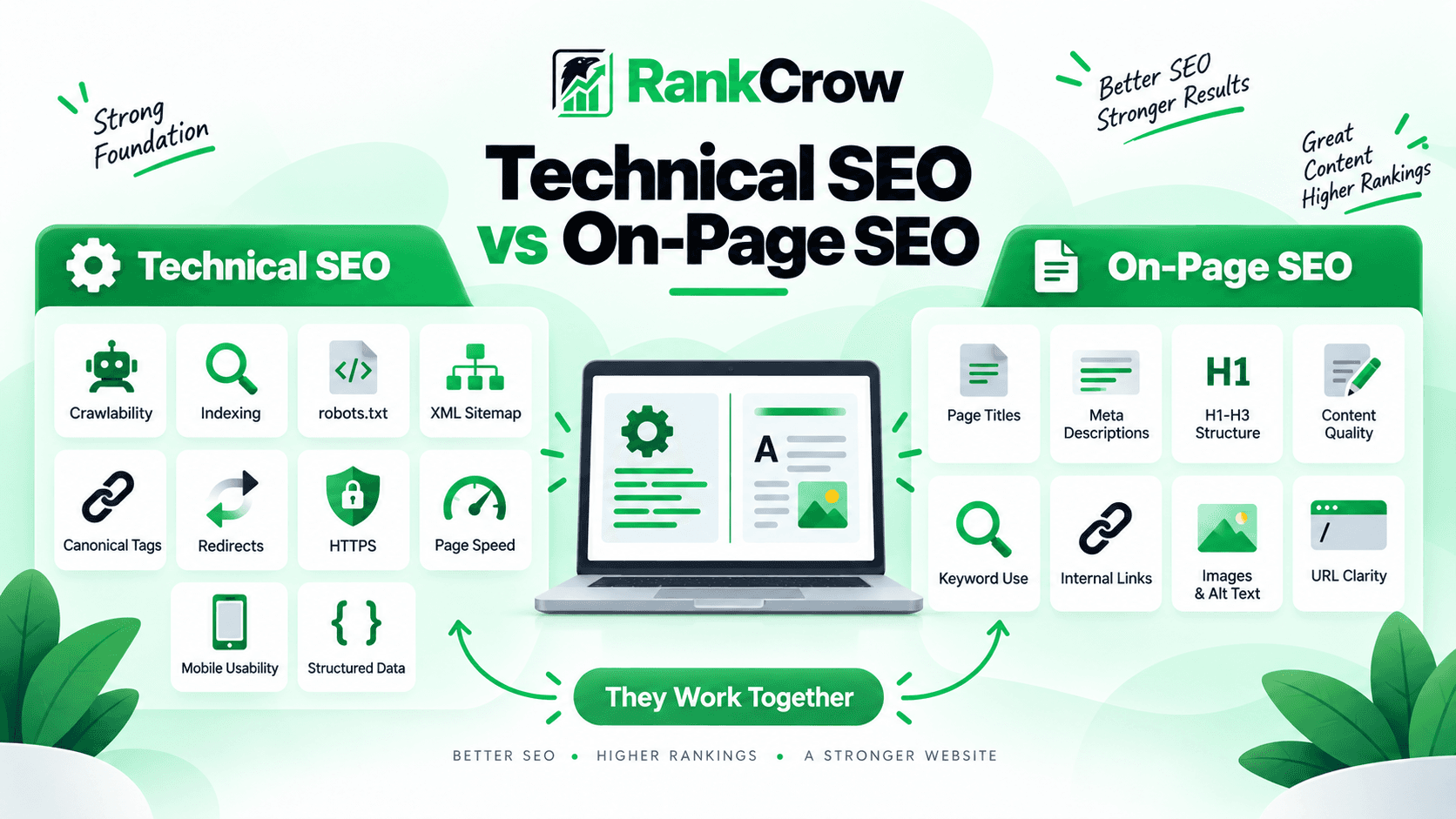
Technical SEO focuses on how the website works behind the content.
- Whether search engines can crawl a page.
- Whether a page can be indexed.
- Whether the canonical URL is correct.
- Whether redirects work properly.
- Whether a sitemap is valid.
- Whether the site uses HTTPS.
- Whether important resources can load.
- Whether structured data is valid.
On-Page SEO
On-page SEO focuses more on visible page-level elements such as titles, headings, content quality, keyword usage, internal links, images, and metadata.
For a deeper explanation, read RankCrow's What Is On-Page SEO? A Complete Guide.
Where They Overlap
The boundaries are not always perfect. Internal links help users and crawlers, page performance affects usability, structured data describes visible content, and canonical tags appear on individual pages while influencing indexing decisions.
A strong website usually needs both technical SEO and on-page SEO.
Why Technical SEO Issues Matter
Technical SEO problems can affect whether search engines can reach, process, and correctly understand your pages.
Depending on the issue, problems may lead to:
- important pages not being crawled;
- pages being excluded from indexing;
- duplicate URLs competing with each other;
- incorrect canonical selection;
- wasted crawl activity;
- broken navigation;
- poor mobile usability;
- slower page experiences;
- structured data errors.
Common Technical SEO Issues and How to Fix Them
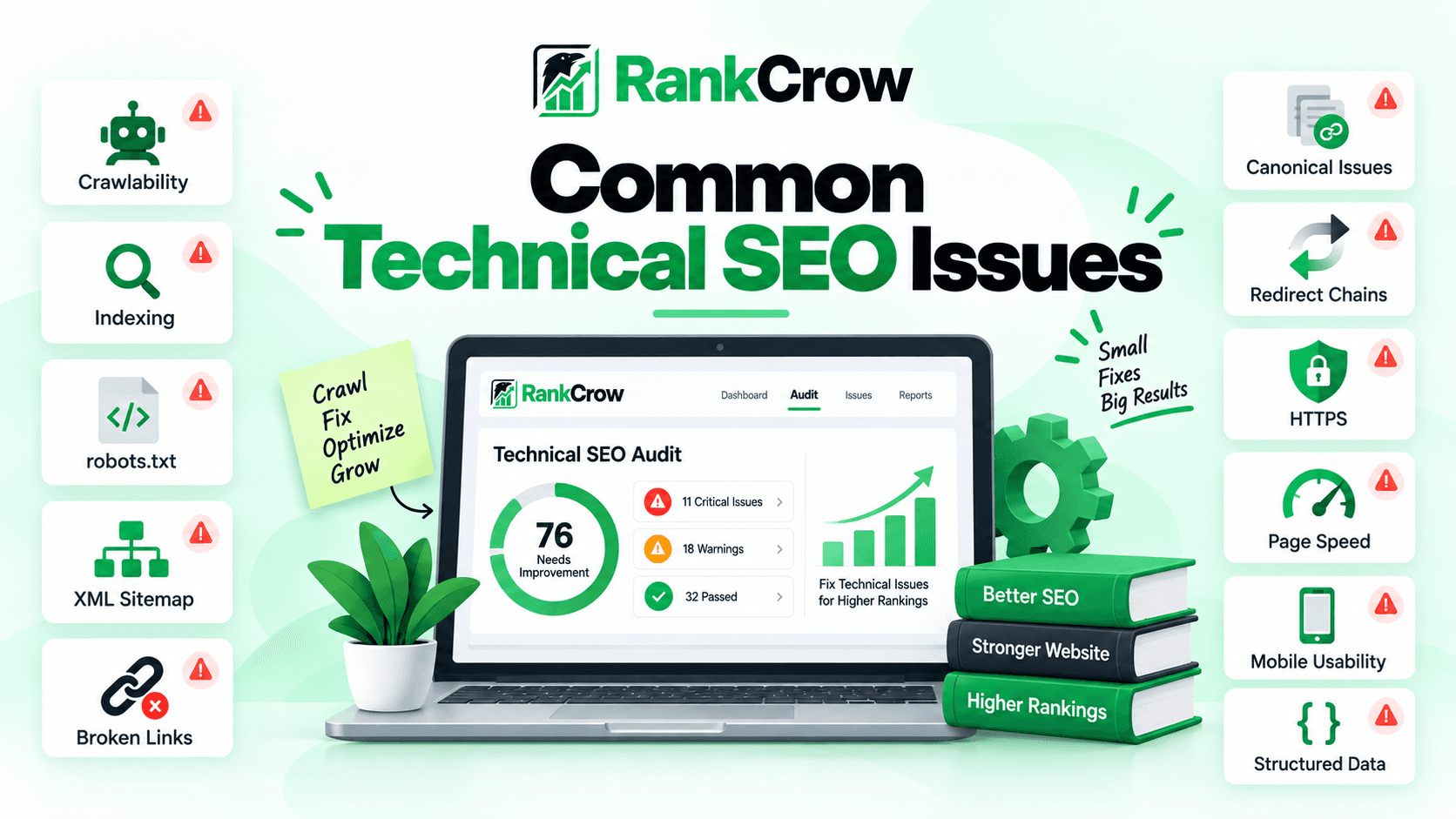
The following technical SEO issues are some of the most useful areas to review when a website has crawling, indexing, navigation, or technical performance problems.
1. Pages That Search Engines Cannot Crawl
The problem: A page cannot be indexed properly if search engines cannot access it in the first place.
Common causes include robots.txt rules, blocked resources, broken internal links, server errors, poor site architecture, inaccessible rendered content, and authentication restrictions.
Why it matters: If a crawler cannot reach an important page, the search engine may not be able to evaluate or update that page properly.
How to identify it: Check URL Inspection, robots.txt, internal links, the server response, HTTP status code, sitemap inclusion, and crawl reports where available.
How to fix it: Make sure important pages return valid responses, are not accidentally blocked, receive crawlable internal links, and do not depend on inaccessible resources.
2. Indexing and Noindex Problems
The problem: A page may be crawlable but still not be allowed to appear in search results. One common cause is an accidental noindex directive.
Why it matters: If an important page contains noindex, search engines may crawl it but exclude it from their index.
How to identify it: Inspect the robots meta tag, X-Robots-Tag HTTP headers, URL Inspection, and relevant indexing reports.
How to fix it: Remove unintended noindex directives from pages that should appear in search, then allow the page to be crawled again.
3. Robots.txt Blocking Important Pages
The problem: Robots.txt rules can prevent crawlers from accessing important URLs.
Why it matters: Robots.txt controls crawling, not indexing directly.
How to identify it: Review your robots.txt file and test important URLs against its rules.
How to fix it: Remove or adjust rules that block pages or resources search engines need. Do not use robots.txt as a substitute for noindex when your goal is to keep a page out of search.
4. XML Sitemap Problems
The problem: A sitemap may include incorrect, outdated, redirected, blocked, or non-canonical URLs.
Common problems include invalid XML, missing important URLs, stale URLs, redirects, duplicate URLs, error pages, and URLs that should not be indexed.
Why it matters: Sitemaps help search engines discover important URLs, but they should give consistent signals.
How to identify it: Check Search Console's sitemap reporting, sitemap syntax, canonical URLs, HTTP status codes, and indexing status.
How to fix it: Keep the sitemap focused on important canonical URLs that return valid responses.
5. Canonical Issues
The problem: A canonical issue happens when search engines receive conflicting or incorrect signals about which URL should represent a page.
Common causes include canonical tags pointing to the wrong URL, HTTP and HTTPS variants, www and non-www duplicates, tracking parameters, faceted URLs, and duplicate category pages.
Why it matters: Canonical signals help search engines understand which version of similar or duplicate URLs should be treated as the preferred version.
How to identify it: Review page source, canonical tags, duplicate URL variants, sitemap URLs, redirects, and URL Inspection.
How to fix it: Use your preferred URL format consistently, keep sitemap URLs canonical, and avoid contradictory signals.
6. Broken Internal and External Links
The problem: Broken links point users and crawlers to URLs that no longer work.
Why it matters: Broken internal links can create navigation dead ends, while broken external links can reduce the usefulness of a page.
How to identify it: Review links using site crawlers, browser tools, Search Console, your CMS, or RankCrow link checks where applicable.
How to fix broken links: If a page moved, update the link to the new URL and use a redirect where appropriate. If the destination no longer exists, remove the link or replace it with a useful alternative.
7. Redirect and Redirect Chain Problems
The problem: Redirects are useful when URLs move, but poor setups can create loops, chains, unnecessary hops, or incorrect destinations.
How to identify it: Review redirect paths, HTTP headers, migration rules, crawl reports, and old internal links.
How to fix it: Link directly to final URLs where possible, remove unnecessary hops, and fix loops.
8. Duplicate Content and Duplicate URLs
The problem: The same or very similar content may be available through multiple URLs.
Examples include URL parameters, print versions, protocol variants, trailing-slash variants, category/tag duplication, and session IDs.
How to fix it: Use canonical tags, redirects where appropriate, consistent internal links, clean URL structures, and correct sitemap URLs.
9. HTTPS and Mixed Content Issues
The problem: A site may use HTTPS while still loading some images, scripts, stylesheets, or other resources through HTTP.
How to identify it: Check browser developer tools, security warnings, page source, and resource URLs.
How to fix it: Update internal resources to HTTPS and use HTTPS consistently across canonical tags, internal links, sitemap URLs, and redirects.
10. Slow Pages and Core Web Vitals
The problem: Slow or unstable pages can create a poor experience.
Common causes include oversized images, heavy JavaScript, slow servers, unexpected layout shifts, third-party scripts, and render-blocking resources.
How to identify it: Use PageSpeed Insights, Search Console Core Web Vitals, browser developer tools, and web.dev Core Web Vitals guidance.
How to fix it: Compress oversized images, reduce unnecessary scripts, improve caching and server response, reserve space for images, and reduce layout shifts.
11. Mobile Usability Problems
The problem: A page may work well on desktop but become difficult to use on a smaller screen.
Problems can include tiny text, overlapping elements, horizontal scrolling, difficult navigation, and missing content.
How to fix it: Keep important content and internal links available, make text easy to read, use responsive layouts, and avoid hiding critical information.
12. Incorrect or Missing Structured Data
The problem: Structured data may be missing, invalid, incomplete, unrelated to visible content, or use the wrong schema type.
How to identify it: Use Google's Rich Results Test, relevant Search Console reports, and page-source checks.
How to fix it: Use the correct schema type and make sure the structured data accurately represents visible page content.
For implementation guidance, see Google's structured data documentation.
13. Poor Internal Site Architecture
The problem: Important pages may be buried too deeply or receive too few useful internal links.
How to identify it: Review menus, breadcrumbs, category structure, internal links, important landing pages, and orphaned URLs.
How to fix it: Create logical pathways between related content, use descriptive internal links, and keep important pages reasonably easy to reach.
How to Test Website Crawlability
If you want to test website crawlability, focus on the signals that determine whether search engines can reach and process an important URL.
- Open the URL in Google Search Console URL Inspection.
- Check whether Google can access the page.
- Review robots.txt.
- Confirm there is no unintended noindex directive.
- Check the HTTP status code.
- Confirm the page receives internal links.
- Check that it appears in the sitemap when appropriate.
- Review the canonical URL.
- Test important resources.
- Check relevant server or crawl errors.
For deeper troubleshooting, use Google Search Central's crawling and indexing documentation.
RankCrow can also help surface several page-level technical signals, including indexability, canonical setup, robots directives, sitemap-related checks, HTTPS, links, viewport configuration, and structured data detection.
What Is a Technical SEO Audit?
If you are wondering what a technical SEO audit involves for a website, it is a structured review of the technical signals that affect crawling, indexing, and search visibility.
A typical technical audit may review:
- crawlability;
- indexability;
- robots directives;
- canonical tags;
- redirects;
- HTTP status codes;
- XML sitemaps;
- broken links;
- HTTPS;
- mobile usability;
- page performance;
- structured data;
- internal architecture.
The purpose of an audit is not simply to collect errors.
A useful technical SEO audit should result in a clear list of problems, affected pages, priorities, and practical next steps.
Technical SEO Checklist
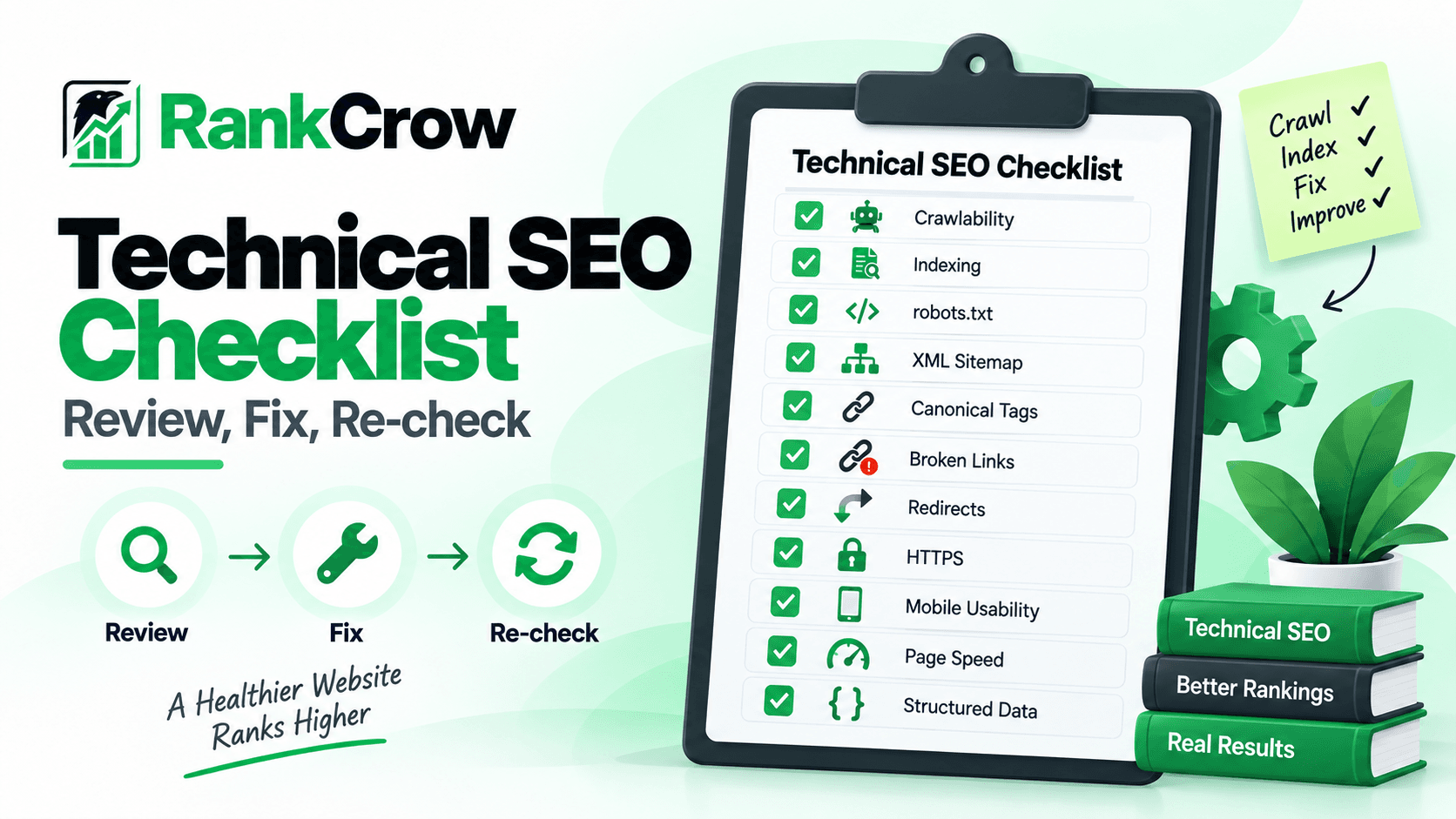
Use this technical SEO checklist when reviewing an important page or website.
Technical SEO Checklist
You do not need to fix every minor warning immediately.
Prioritize problems that affect important pages, crawling, indexing, navigation, or real user experience.
How RankCrow Helps Identify Technical SEO Problems
RankCrow's Free SEO Analyzer can help review several technical and page-level signals from an individual URL.
Current relevant checks include areas such as:
- canonical configuration;
- indexability;
- robots directives;
- robots.txt;
- sitemap;
- HTTPS;
- viewport configuration;
- structured data detection;
- internal and external links;
- other supported page-level SEO signals.
This makes RankCrow useful for checking an individual page and identifying issues that may need attention.
It is important not to treat it as a complete enterprise crawler or full site-wide technical audit platform.
Review Technical SEO Signals
Analyze a page with RankCrow to identify supported technical and page-level signals that may need attention.
Frequently Asked Questions
What are the most common technical SEO issues?
Common technical SEO issues include crawlability problems, accidental noindex directives, incorrect robots.txt rules, sitemap errors, canonical issues, broken links, redirect chains, duplicate URLs, HTTPS problems, slow pages, mobile usability problems, and structured data errors.
How do I know if Google can crawl my website?
Use Google Search Console URL Inspection for important URLs, review robots.txt, confirm the page returns a valid status code, and make sure the page can be reached through normal internal links.
What is the difference between technical SEO and on-page SEO?
Technical SEO focuses on how search engines access, process, and index a website. On-page SEO focuses more on visible page-level elements such as titles, headings, content, keywords, images, and links.
What is a technical SEO audit?
A technical SEO audit is a structured review of issues that may affect crawling, indexing, site structure, redirects, canonicals, sitemaps, robots directives, performance, and other technical signals.
How often should I check technical SEO issues?
There is no universal schedule. Review technical SEO regularly and especially after redesigns, migrations, CMS changes, URL changes, hosting changes, or major technical releases.
Can broken links hurt SEO?
Broken links can create navigation dead ends for users and crawlers. Important broken internal links should be fixed so the intended destination remains accessible.
Final Thoughts
Technical SEO works best alongside strong content and page-level optimization. RankCrow's SEO Optimization Tips article also covers broader content and on-page improvements.
Technical SEO creates the foundation that allows useful content to be crawled, understood, and indexed properly.
The best approach is not to chase every warning.
Focus on meaningful technical SEO issues affecting important pages, such as crawlability, indexing, canonicals, broken links, redirects, sitemaps, HTTPS, mobile usability, and performance.
Then work through them systematically:
Identify the problem → understand why it matters → verify the cause → fix it → check again.
Ready to Review Your Page?
Run a page through RankCrow and review supported technical SEO findings alongside Google Search Console.
Key Takeaways
- Technical SEO helps search engines access, process, and index important pages.
- Crawlability, indexability, canonicals, robots, sitemaps, redirects, and links deserve regular review.
- Not every technical warning has the same priority.
- Technical SEO works best alongside useful content and strong on-page optimization.
- Identify the problem, verify the cause, fix it, and check the page again.