
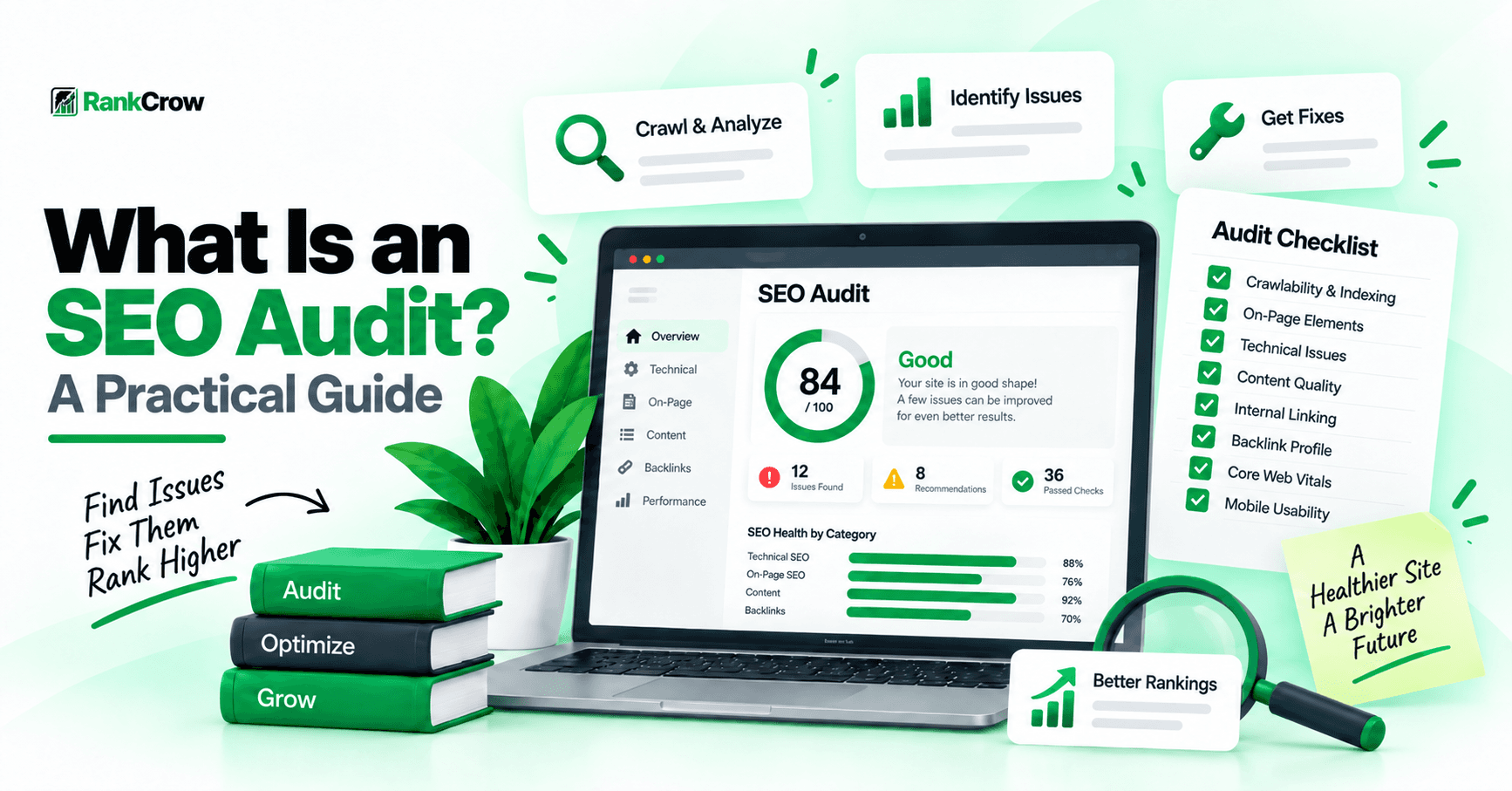
What Is an SEO Audit?
SEO problems are not always obvious. A page can look completely normal to a visitor while still having issues with indexing, canonical tags, internal links, metadata, structured data, or other signals that affect how search engines understand and process it.
That is where an SEO audit helps.
An SEO audit is a structured review of a website or webpage to identify issues that may affect search visibility, usability, crawlability, indexability, or overall SEO quality.
The purpose is not simply to produce a long list of warnings. A useful audit should help you understand what is wrong, why it matters, which pages are affected, and what should be fixed first.
That is the core of what is a SEO audit, what is SEO audit, and what is an SEO audit: a systematic process for finding SEO problems before deciding how to fix them.
An audit is not the same as ongoing SEO work. Ongoing SEO may include publishing content, improving internal links, updating pages, monitoring search performance, and optimizing over time.
An audit comes first as a diagnosis. It helps identify what needs attention.
Why Is an SEO Audit Important?
Understanding why SEO audit is important becomes easier when you consider how many problems can stay hidden during normal browsing.
An audit can reveal crawlability issues, accidental noindex directives, conflicting canonical signals, broken internal links, weak internal linking, missing metadata, sitemap problems, structured data issues, content gaps, and other problems.
This is also why you need an SEO audit: it gives you a structured way to identify problems instead of guessing.
An audit does not guarantee better rankings. It helps you find issues that may be limiting search visibility or creating unnecessary risk.
What Does an SEO Audit Check?
A useful audit covers multiple areas rather than focusing on one category.
Technical SEO
Technical checks can include crawlability, indexability, status codes, redirects, canonical tags, HTTPS, viewport configuration, sitemaps, robots.txt, structured data, and relevant performance issues.
For a deeper technical review, see RankCrow's Technical SEO Issues: Common Problems and How to Fix Them.
On-Page SEO
On-page checks can include title tags, meta descriptions, H1 usage, heading structure, URL clarity, internal links, images, and content organization.
See RankCrow's What Is On-Page SEO? A Complete Guide for more detail.
Content
Content should be reviewed for usefulness, accuracy, relevance, readability, freshness, focus, and search intent.
For content planning and search intent, see What Is SEO Content? A Practical Guide.
Internal and External Links
Internal links help users and search engines understand relationships between pages. External links should also be checked for broken or irrelevant destinations.
Indexability
Important pages should be indexable unless there is a deliberate reason to exclude them.
Canonicals
Canonical signals should match the preferred URL strategy.
Google explains that canonicalization is the process of selecting a representative URL from duplicate or very similar pages.
See Google's canonicalization documentation.
Robots.txt
Robots.txt controls crawling rather than serving as a direct indexing control.
See Google's robots.txt documentation.
XML Sitemap
A sitemap should represent the preferred URLs that you want search engines to discover.
See Google's sitemap documentation.
HTTPS and Mobile Setup
Important pages should load securely over HTTPS and use an appropriate mobile viewport.
Structured Data
Structured data should be relevant to the visible page and valid for the schema type being used.
Page Performance
Major usability and performance problems should be reviewed when they affect the page experience.
Images and Metadata
Review image compression, meaningful ALT text where appropriate, titles, and meta descriptions.
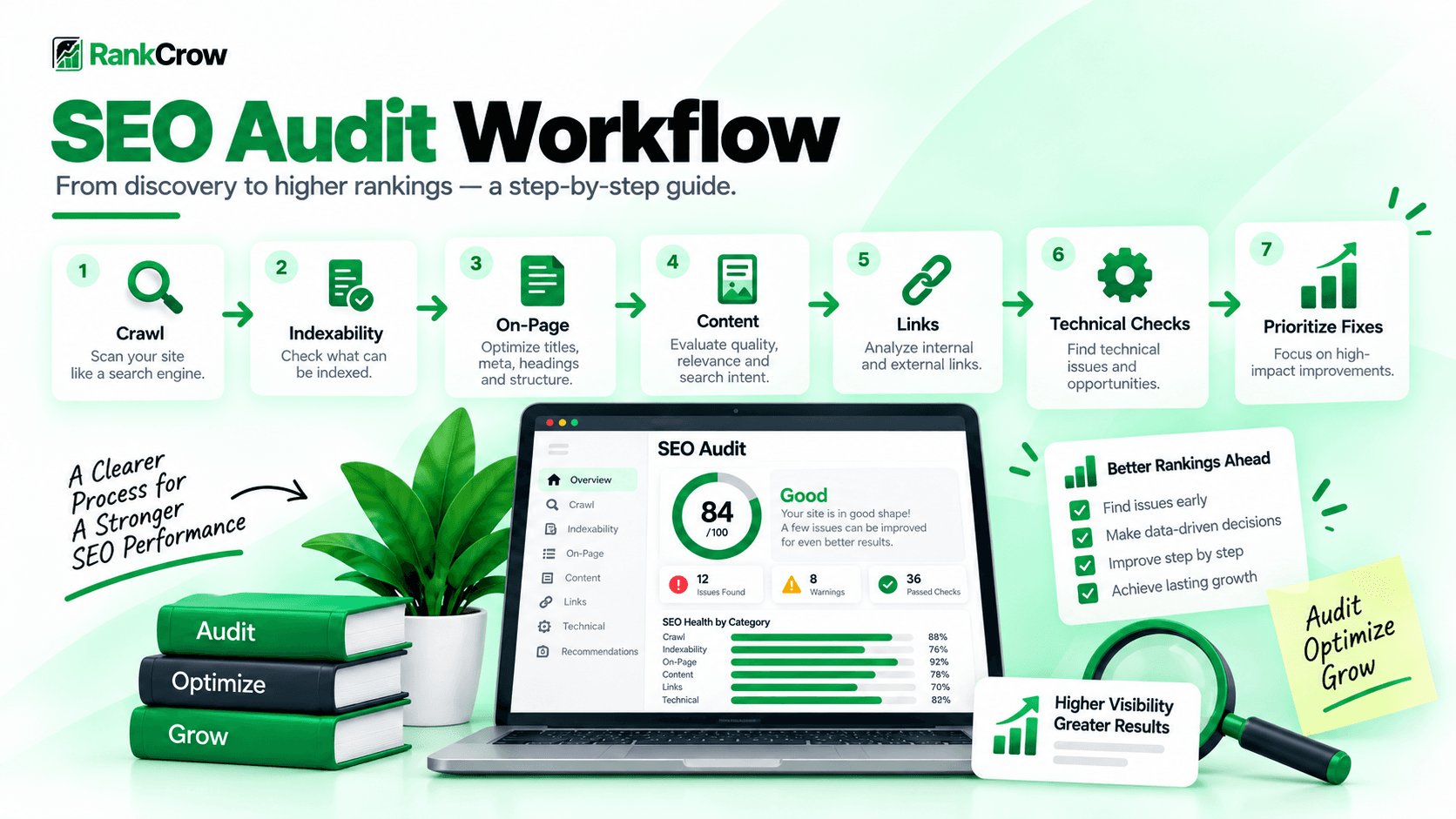
How to Perform an SEO Audit Step by Step
A useful audit follows a sequence rather than checking random items.
1. Check Whether Important Pages Can Be Crawled
Start with important URLs and look for accidental crawl blocks.
2. Check Indexing
Use Search Console and page inspection to determine whether important URLs are indexed or excluded.
3. Review Robots.txt and the XML Sitemap
Make sure important areas are not blocked accidentally and preferred URLs are represented appropriately.
4. Review Canonical Tags
Check whether canonicals point to the intended preferred URLs.
5. Check Titles and Meta Descriptions
Review accuracy, uniqueness, and unnecessary repetition.
6. Review H1-H6 Structure
Make sure the page has a clear main heading and logical supporting headings.
7. Check Internal Links
Look for poorly connected important pages, weak anchor text, and broken internal links.
8. Find Broken Links
Repair, redirect, or remove broken links based on context.
9. Review Content Quality
Check usefulness, accuracy, search intent, repetition, and whether the page actually solves the user's problem.
10. Check Image Optimization
Review filenames, compression, dimensions, relevance, and ALT text.
11. Review HTTPS and Mobile Setup
Confirm secure loading and responsive usability.
12. Review Structured Data and Performance
Validate relevant markup and review major performance signals where appropriate.
13. Prioritize Findings
Fix high-impact issues first instead of treating every warning equally.
Technical SEO Audit Checklist
A technical SEO audit checklist helps you review important technical signals consistently.
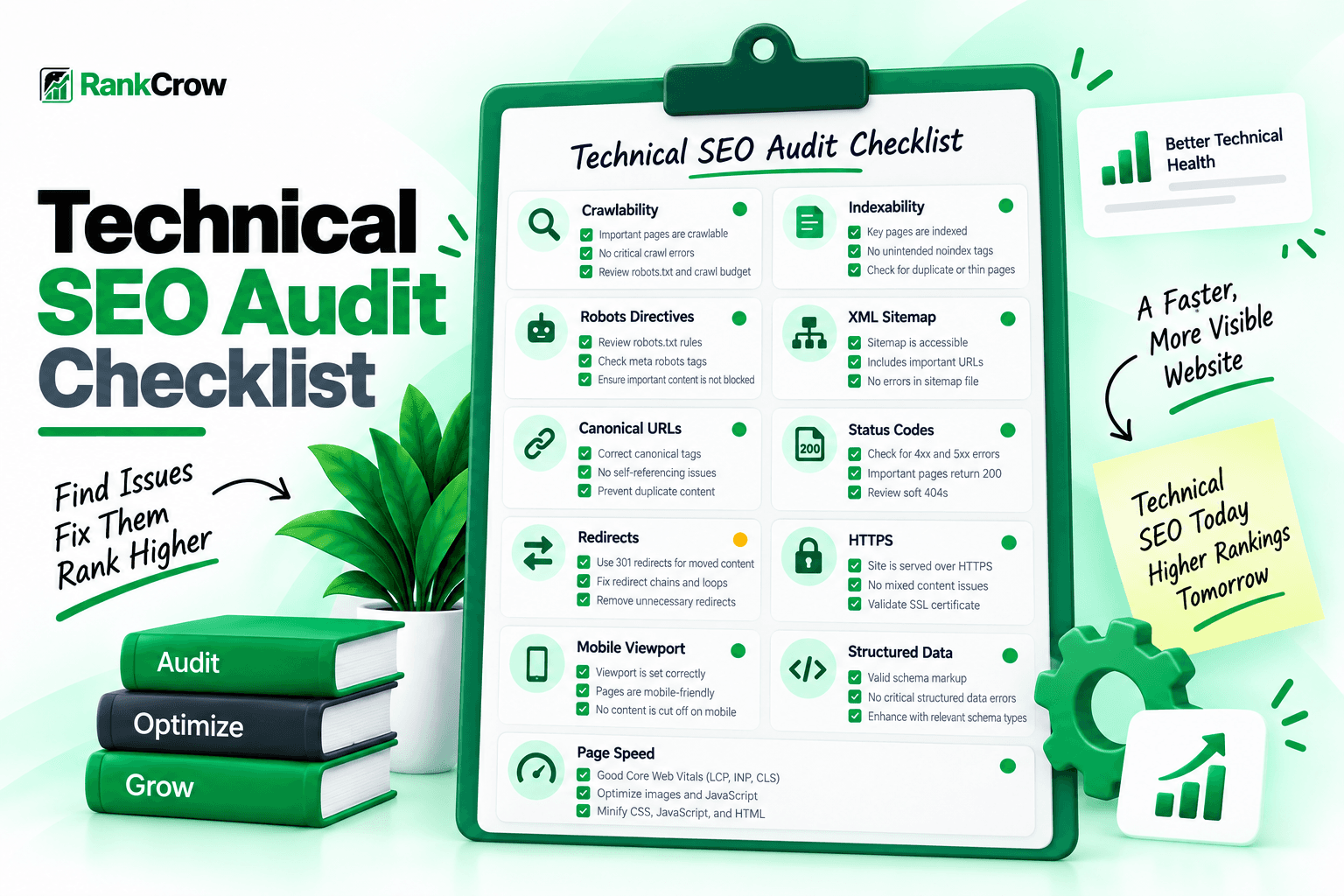
- Important URLs are crawlable.
- Intended pages are indexable.
- Robots directives are correct.
- Robots.txt does not block critical areas accidentally.
- The XML sitemap is accessible.
- Canonical tags point to intended URLs.
- Status codes are appropriate.
- Redirects point to the correct destinations.
- HTTPS is working.
- The mobile viewport is configured.
- Structured data is valid where relevant.
- Major performance issues are reviewed.
A technical checklist is useful, but it should not replace judgment. Not every page needs structured data, and not every URL belongs in a sitemap.
SEO Audit Example
A simple SEO audit example makes the process easier to understand.
Imagine an important service page has no meta description, no H1, a canonical pointing to the wrong URL, one broken internal link, an accidental noindex directive, an informative image with no ALT text, and the page is missing from the XML sitemap.
| Issue | Why It Matters | Recommended Action |
|---|---|---|
| Missing H1 | Main topic is less clear | Add a descriptive H1 |
| Wrong canonical | May signal another URL as preferred | Point canonical to the intended URL |
| Broken internal link | Creates poor navigation | Update or remove the link |
| Accidental noindex | Page may be excluded from search | Remove noindex if indexing is intended |
| Missing ALT text | Image context may be lost | Add useful ALT text if the image is informative |
| Missing sitemap entry | Preferred URL may be harder to discover | Add it if it belongs in the sitemap |
The audit becomes useful when findings become prioritized tasks.
What Should an SEO Audit Report Include?
A useful SEO audit report template can include the issue, affected URL, category, severity, why it matters, recommended fix, priority, owner, and status.
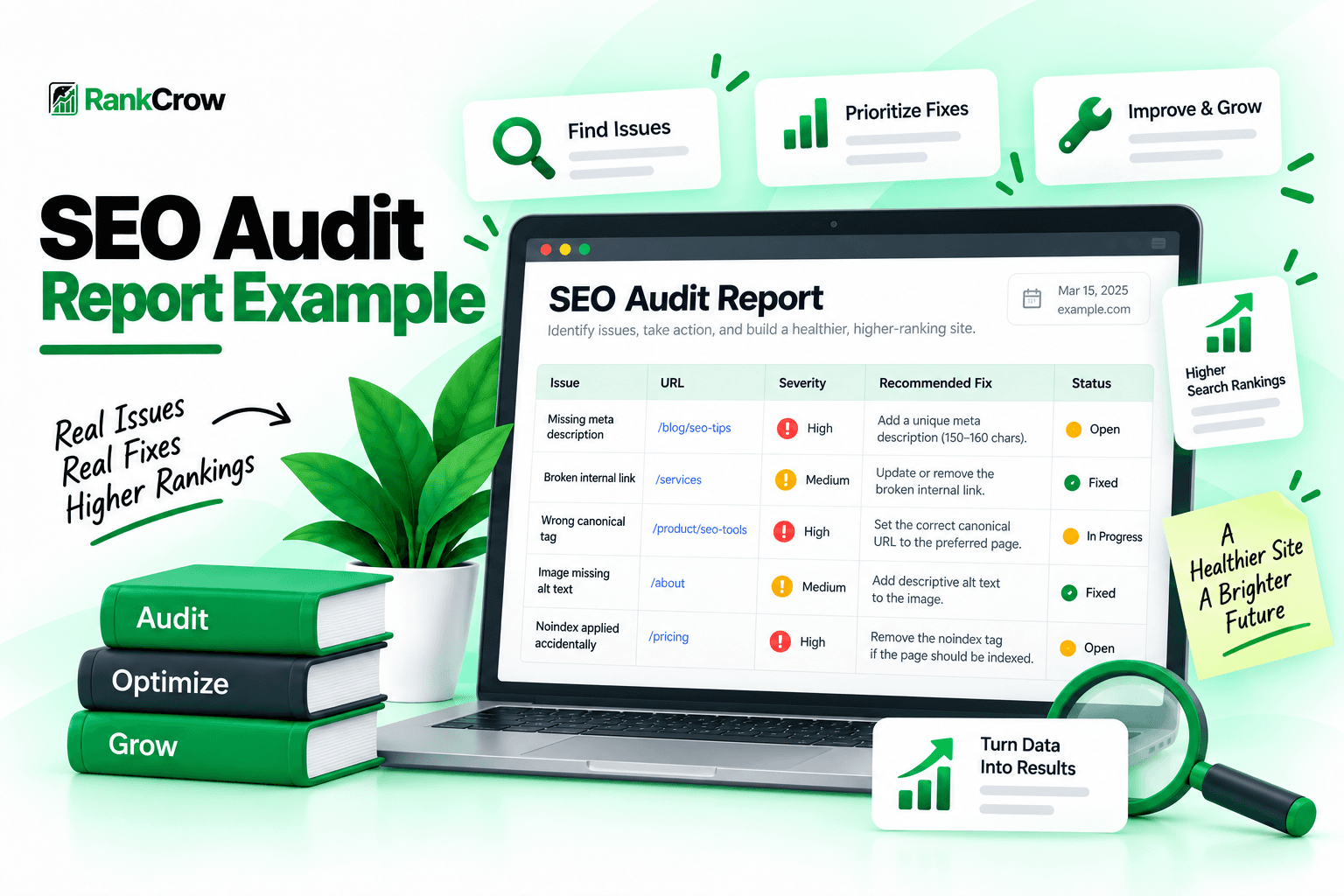
An SEO audit report sample should make it easy to answer three questions:
- What is wrong?
- What should we do?
- What should we fix first?
You may also export findings as an SEO audit report PDF for clients or internal teams, but the format itself matters less than the quality and clarity of the findings.
SEO Audit Template
An SEO audit template gives you a reusable structure so every audit follows the same basic process.
- Technical SEO
- Indexability
- On-Page SEO
- Content
- Internal Links
- External Links
- Images
- Structured Data
- Performance
- Priority
- Owner
- Status
Severity labels such as Critical, High, Medium, and Low can help, but they should reflect real impact rather than the number of warnings produced by a tool.
How Often Should You Run an SEO Audit?
There is no universal schedule that works for every website.
An audit is especially useful:
- after a redesign;
- after a migration;
- after major URL changes;
- after large content updates;
- when indexing problems appear;
- when organic traffic changes unexpectedly;
- when site architecture changes;
- periodically as part of maintenance.
Large and fast-changing websites may need more frequent review than small sites. The right frequency depends on how quickly the site changes and how important organic search is to the organization.
Common SEO Audit Mistakes
Checking Only Technical SEO
Technical issues matter, but an audit that ignores content and internal linking is incomplete.
Treating Every Warning as Important
Tools can produce many warnings. Not every warning deserves immediate action.
Relying on One Tool
Search Console, page inspection, crawlers, analyzers, and manual review can each reveal different information.
Fixing Symptoms Instead of Causes
If many pages share the same issue, the real cause may be a template or CMS setting.
Not Rechecking After Fixes
Important changes should be verified after deployment.
Ignoring Internal Linking
A technically clean site can still have weak information architecture.
Creating Reports Without Priorities
A list of issues is not a plan until impact and next actions are clear.
How RankCrow Helps With SEO Audits
RankCrow can help with several page-level checks during an SEO audit.
The RankCrow Free SEO Analyzer can review supported areas such as title and meta information, word count, readability, keyword presence and density, H1-H6 structure, heading hierarchy, internal links, external links, nofollow signals, image ALT text, canonical, indexability, robots directives, robots.txt, sitemap, viewport, HTTPS, Open Graph, Twitter Cards, schema detection, and SEO Score.
RankCrow should be used as one part of the audit process. It does not replace a full enterprise crawler, backlink database, Search Console, or manual review.
For broader page-level optimization, see RankCrow's SEO Optimization Tips.
For technical problems, see Technical SEO Issues.
For content quality and search intent, see What Is SEO Content? A Practical Guide.
Analyze Your Page With RankCrow
Review supported content, heading, link, image, technical, metadata, and structured-data signals in one place.
SEO Audit Checklist
Use this checklist before finishing an audit.
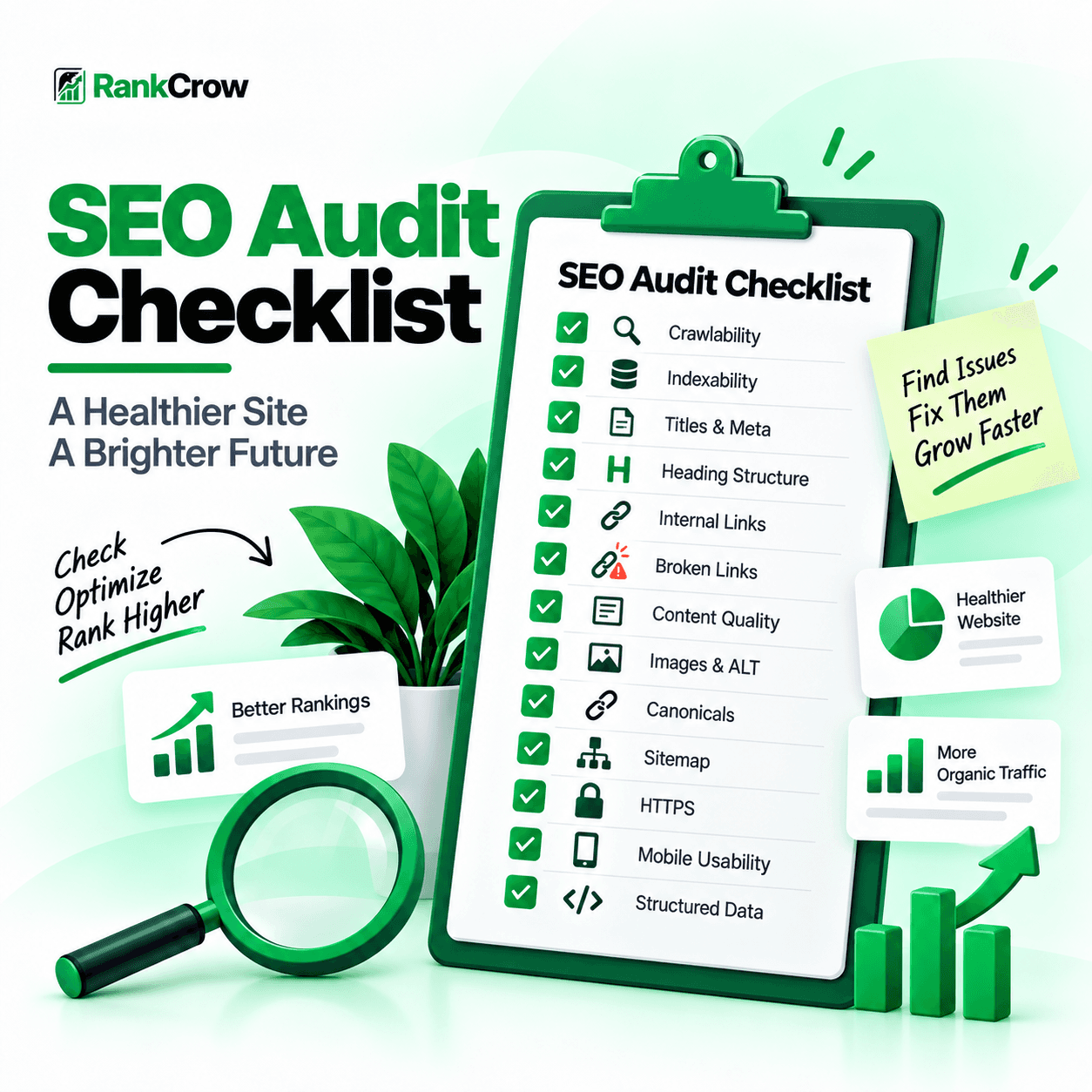
SEO Audit Checklist
An audit should end with actions, not just warnings.
Frequently Asked Questions
What is an SEO audit?
An SEO audit is a structured review of a website or webpage to identify technical, content, linking, indexing, metadata, and other SEO issues that may need attention.
Why is an SEO audit important?
An audit helps reveal problems that may not be obvious during normal website use, such as incorrect canonicals, accidental noindex directives, broken links, weak internal linking, missing metadata, or sitemap issues.
What does an SEO audit include?
It can include technical SEO, on-page SEO, content quality, internal and external links, crawlability, indexability, canonicals, robots.txt, sitemaps, HTTPS, structured data, images, mobile setup, and performance.
How long does an SEO audit take?
It depends on the size and complexity of the website, the depth of the audit, and the tools used. A small site can be reviewed much faster than a large ecommerce or enterprise website.
How often should you audit a website?
There is no universal schedule. Audits are especially useful after migrations, redesigns, large content changes, indexing problems, or as part of regular maintenance.
What is the difference between an SEO audit and a technical SEO audit?
A technical SEO audit focuses primarily on crawlability, indexing, status codes, redirects, canonicals, sitemaps, robots.txt, structured data, and other technical signals. A broader SEO audit can also include content, on-page optimization, internal linking, metadata, images, and other page-level factors.
Can I do an SEO audit myself?
Yes. Website owners can review many SEO issues themselves with Search Console, page inspection, audit tools, and a structured checklist. Larger or more complex sites may require deeper technical analysis.
Final Thoughts
An SEO audit is a diagnosis before optimization.
Instead of guessing what may be wrong, review the site systematically, identify real issues, prioritize them, and make targeted fixes.
Start with crawlability and indexability. Review page-level SEO. Check content and internal linking. Confirm technical signals. Then prioritize fixes according to impact.
After changes are made, audit the affected pages again.
RankCrow's Free SEO Analyzer can help review supported page-level signals and surface issues worth checking as part of that process.
You can also browse the RankCrow SEO Guides library for related resources.
Ready to Audit Your Page?
Use RankCrow to review supported page-level SEO signals and identify areas that may need attention.
Key Takeaways
- An SEO audit is a diagnosis before optimization.
- Start with crawlability and indexability before cosmetic fixes.
- Technical SEO, content, links, images, and page-level signals should be reviewed together.
- Not every warning has the same impact or priority.
- A useful audit report turns findings into clear actions.
- Important pages should be rechecked after fixes are deployed.
- SEO tools should support judgment rather than replace it.